Grinding calculators

Every number, checked.

23 calculators for surface, OD, ID, dressing, coolant and cost. Metric or imperial, checked against the wheel's printed speed.

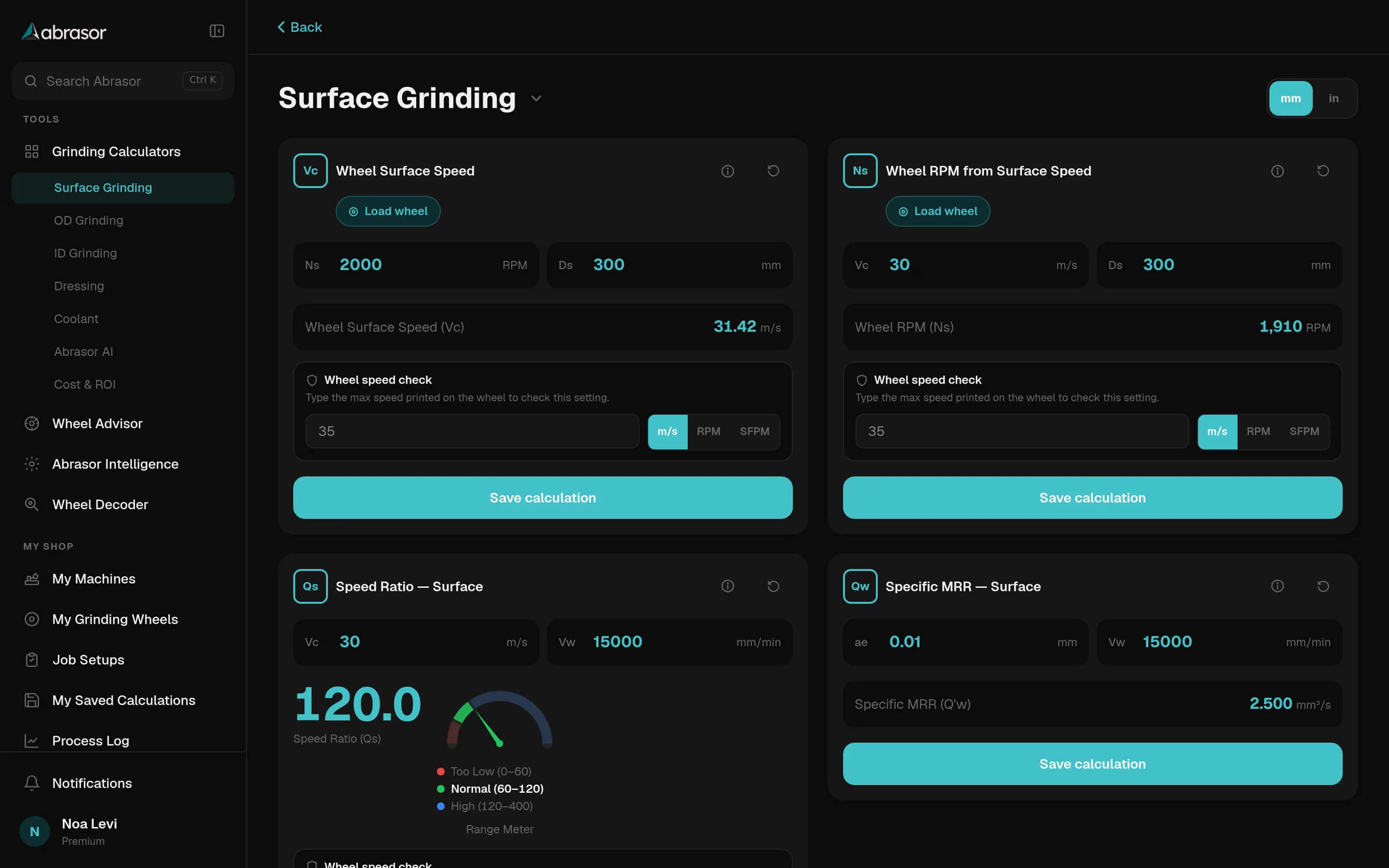
Abrasor surface grinding calculators on a desktop, filled in with results

Organised the way you grind.

Pick the process and every calculator for it is on one screen. Shared ones, like wheel speed, show up wherever you need them.

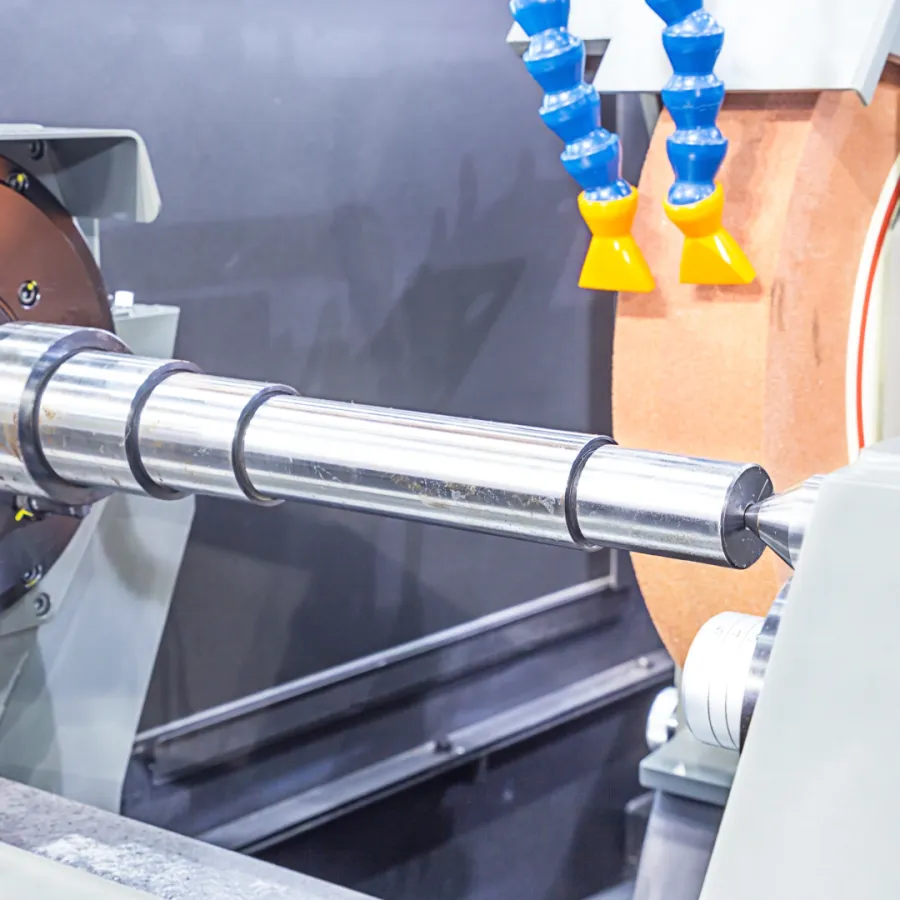
A shaft between centres on an OD grinder

OD grinding 11 calculators

  • Wheel surface speed
  • Wheel RPM from surface speed
  • Workpiece surface speed
  • Workpiece RPM
  • Speed ratio, OD and ID
  • Specific removal rate, traverse
  • Specific removal rate, plunge
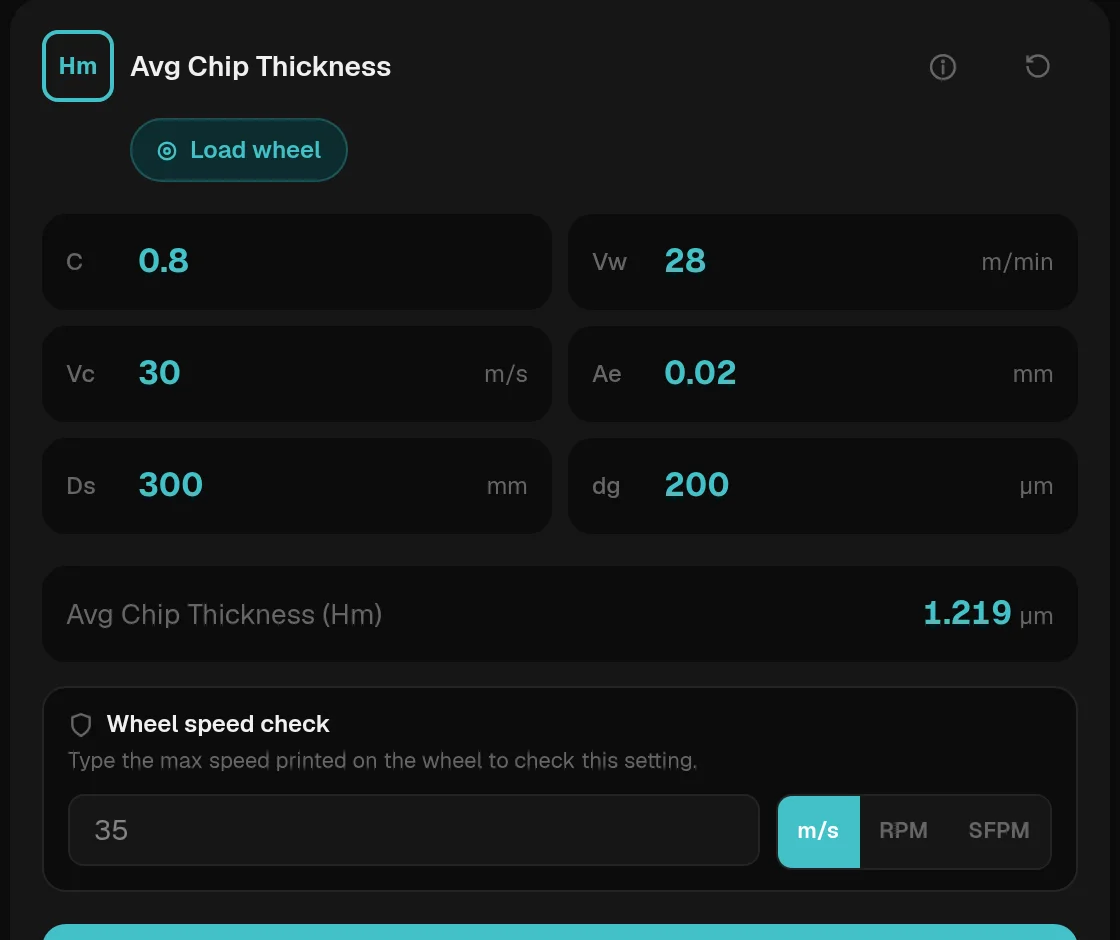
  • Average chip thickness
  • Plunge feed rate
  • Traverse feed rate
  • Feed per revolution
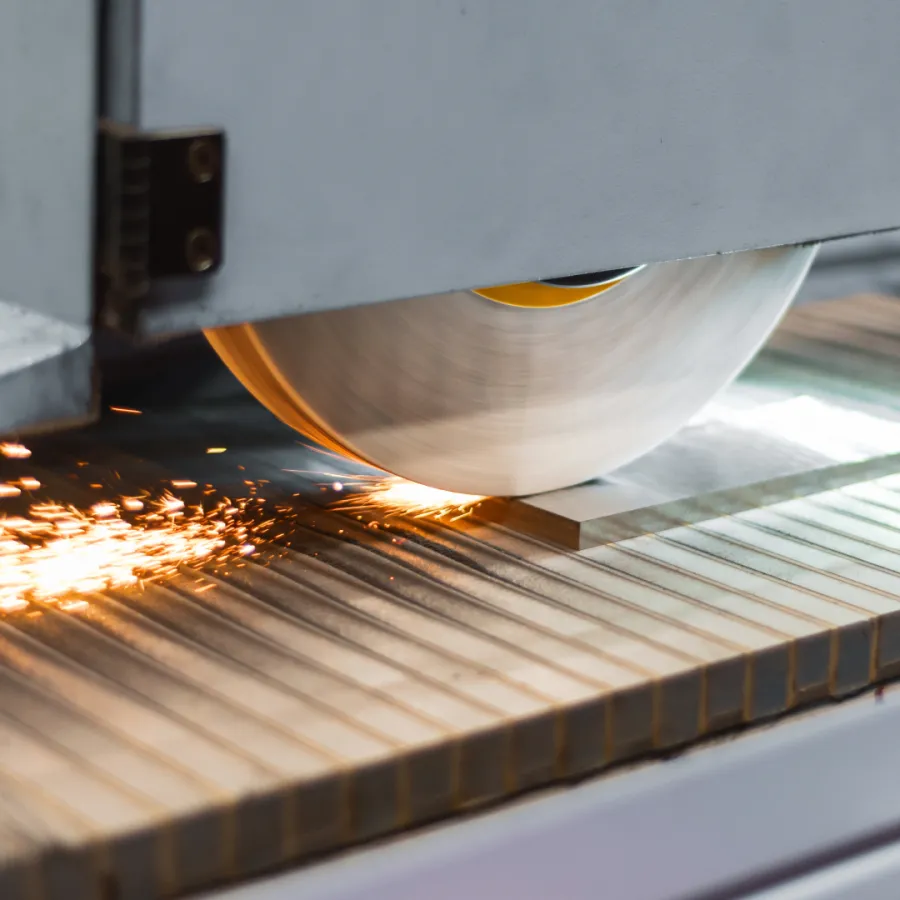
A surface grinder wheel throwing sparks across a flat part

Surface grinding 4 + shared

  • Speed ratio
  • Specific removal rate
  • Arc of contact length
  • Contact area
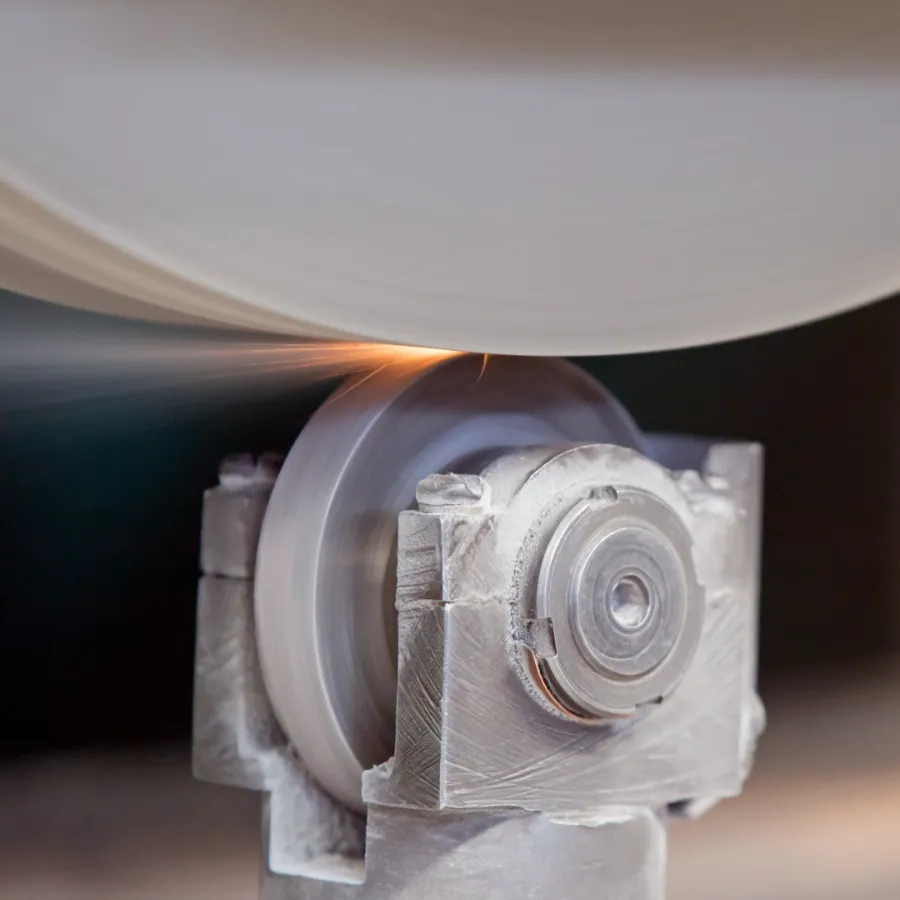
A grinding wheel being dressed

Dressing 5 calculators

  • Dressing overlap ratio
  • Crossfeed per revolution
  • Crossfeed velocity
  • Rotary dresser speed ratio
  • Minimum diamond weight
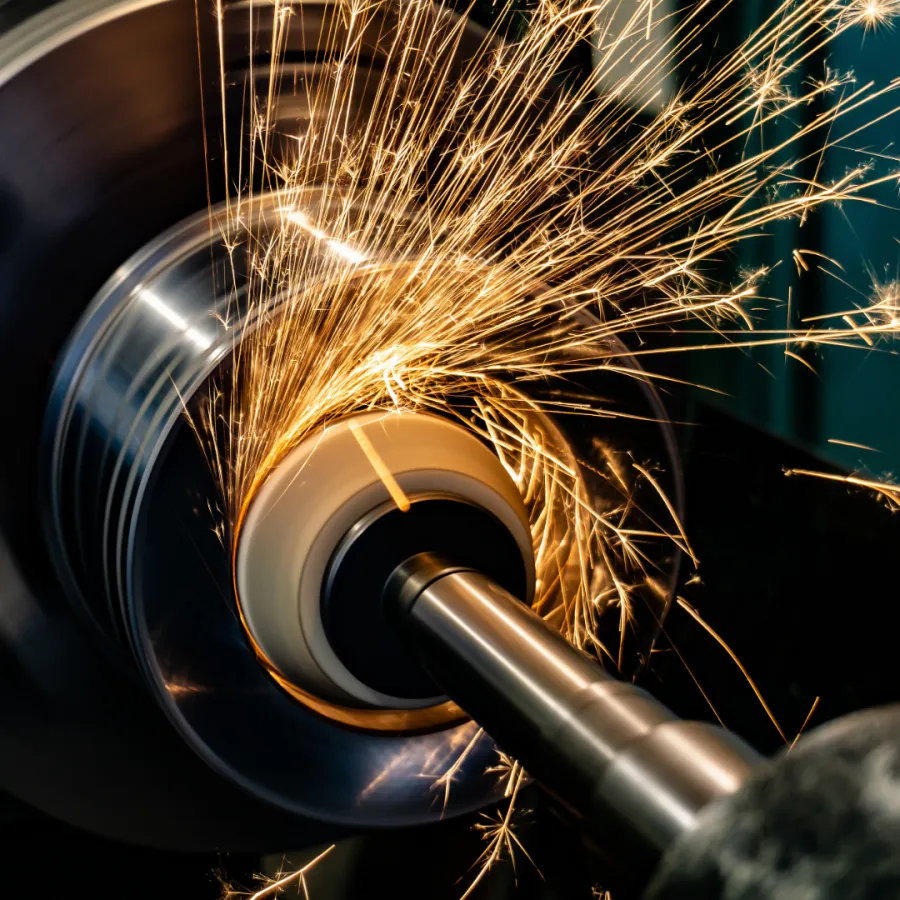
Sparks from an internal grinding operation

ID grinding 1 + shared

  • Recommended wheel diameter for the bore
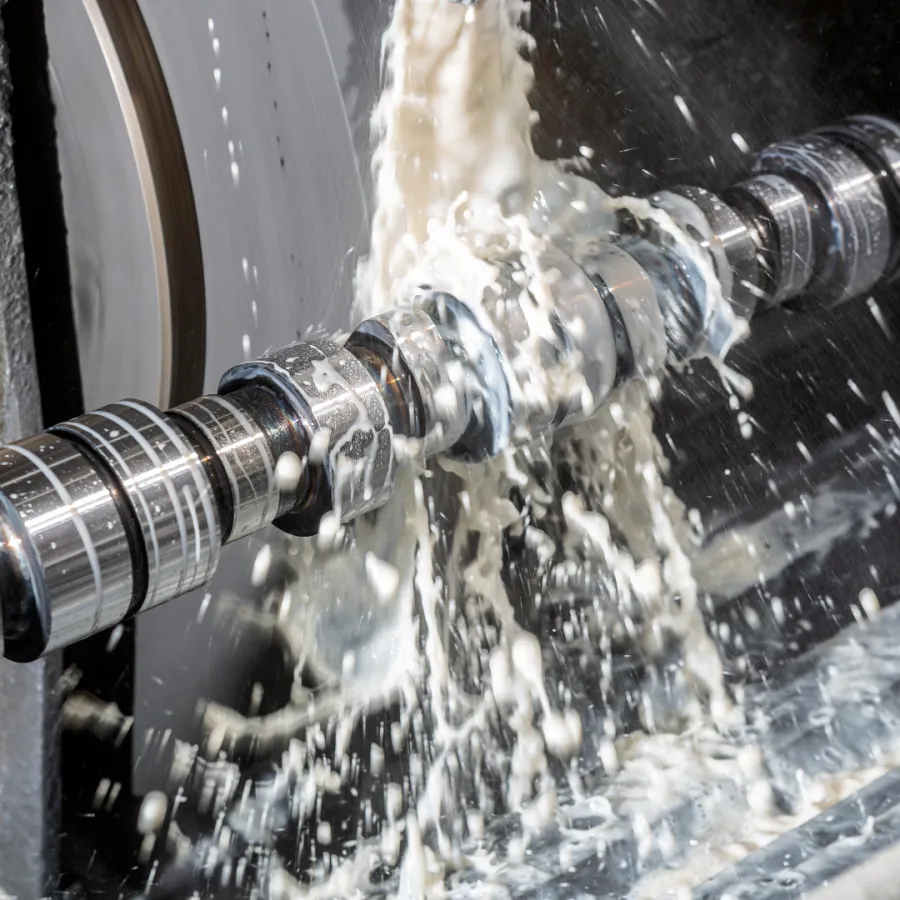
Coolant flooding a part during grinding

Coolant 1 calculator

  • Nozzle pressure to break through the air barrier around the wheel
$ / partmachine time plus wheel wear

Cost and ROI

  • Cost per part, and whether cycle time or wheel life drives it

Try the wheel speed check.

Every speed result in the app is checked against the maximum printed on the wheel. This is the same check.

  • Limit from the wheel labelEnter it once, or load it with the wheel from your library.
  • m/s, RPM or SFPMCheck the limit in whichever unit is printed.
  • Warns before you runAmber when you are close, red with the safe RPM when you are over.

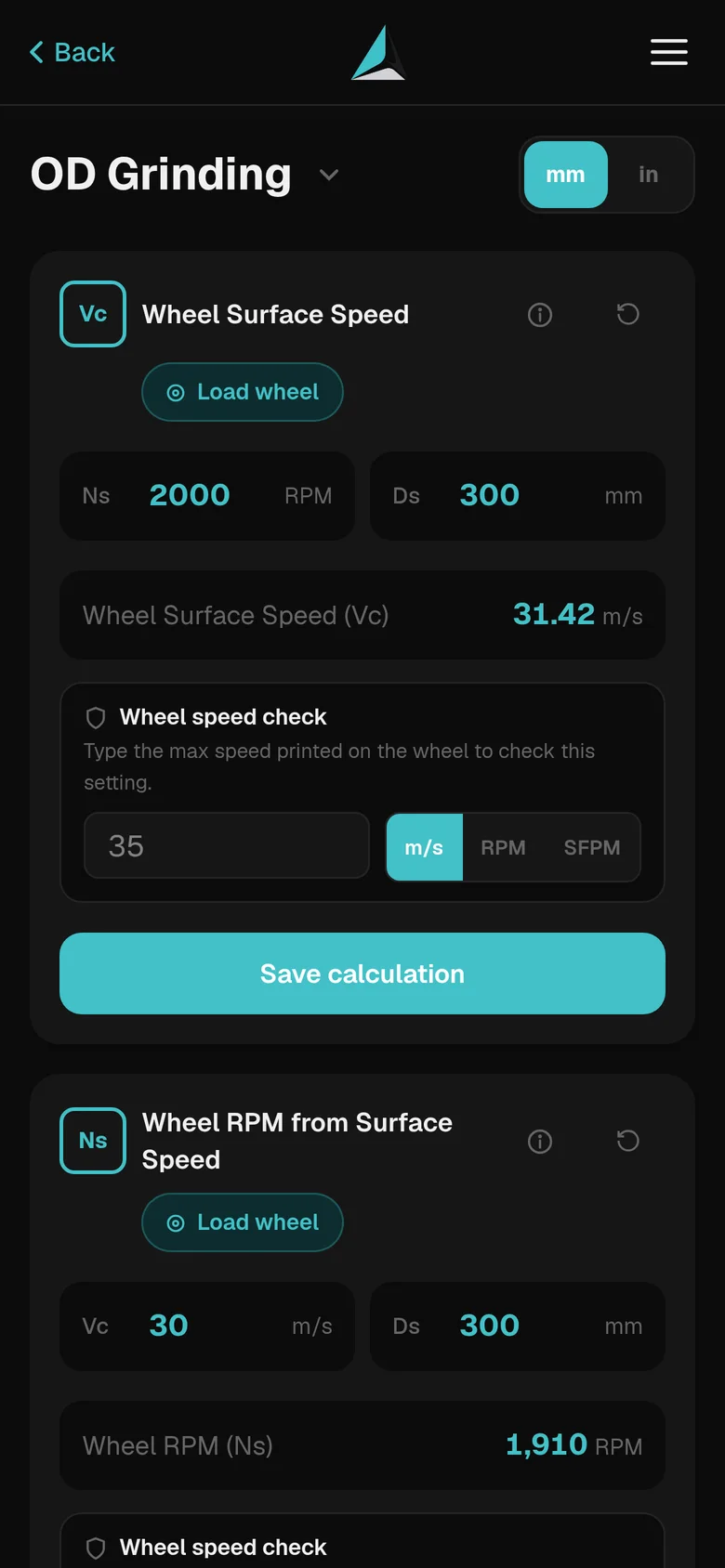
Wheel surface speed

Checked against the maximum speed printed on the wheel.

31.4m/s surface speed
A calculator card with a Load wheel button, filled inputs, the result and a wheel speed check

Load the wheel. Skip the typing.

Your wheels and machines live in Abrasor, so the numbers you already know fill themselves in.

  • Load wheelDiameter and speed limit come from your wheel library.
  • Save to a projectKeep calculations by job and come back to them at the machine.
  • Before and afterCompare two saved calculations and export a PDF.
  • Ask about a resultSend a calculation to Abrasor Intelligence with one tap.

Grinding calculation questions.

The formulas behind the calculators, in plain words.

How do you calculate grinding wheel surface speed?

Multiply pi by the wheel diameter in millimetres and the spindle speed in RPM, then divide by 60,000: vs = π × ds × ns / 60,000 gives metres per second. Multiply by 196.85 for SFPM. A 400 mm wheel at 1,500 RPM runs at 31.4 m/s. Never run above the maximum speed printed on the wheel.

What is the speed ratio in grinding?

The speed ratio q is the wheel surface speed divided by the workpiece speed, in the same units. A low ratio gives thicker chips and faster wheel wear; a high ratio gives thinner chips, more heat and a higher risk of burn.

What is the specific material removal rate, Q′w?

Q′w = ae × vw: the depth of cut times the workpiece speed. It is the volume removed each second for every millimetre of wheel width (mm³/mm·s), so you can compare how hard different setups push the wheel whatever its width.

What is the equivalent wheel diameter?

de = ds × dw / (ds + dw) for OD grinding and ds × dw / (dw − ds) for ID grinding. It turns a curved contact into the flat case, so contact length, lk = √(ae × de), and chip thickness compare across surface, OD and ID grinding.

Can I use the calculators in inches?

Yes. One switch converts every input and every result between metric and imperial, including SFPM and inches per minute.

Works the way the shop does.

At the machine with gloves on, in the office with a keyboard, or somewhere the signal drops.

Metric or imperial

One switch converts every input and every result, including SFPM and inches per minute.

Works offline

Calculators run on the device, so a dead spot on the shop floor changes nothing.

Shop-floor mode

A high-contrast display with large numbers for bright, busy workshops.

Five languages

English, Hebrew, German, Spanish and French, with full right-to-left layout.

Your next setup, already calculated.

Open app