AI for grinding

Ask anything about grinding.

An AI assistant for the grinding shop. Ask about parameters, finish or wheel choice, add a photo, and turn the advice into missions.

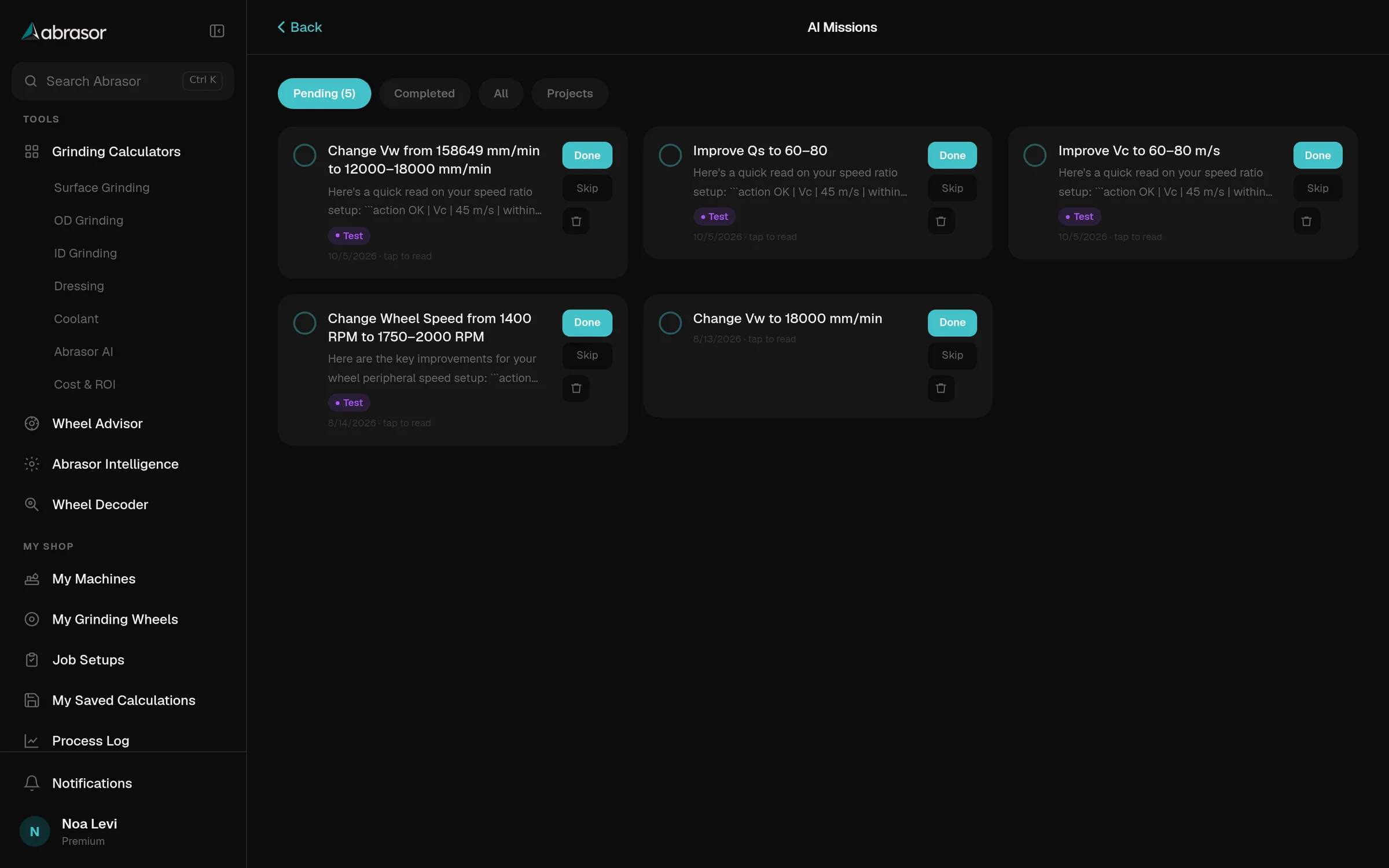
AI Missions on a desktop: pending missions such as Change Vw to 18000 mm/min, each with Done and Skip buttons
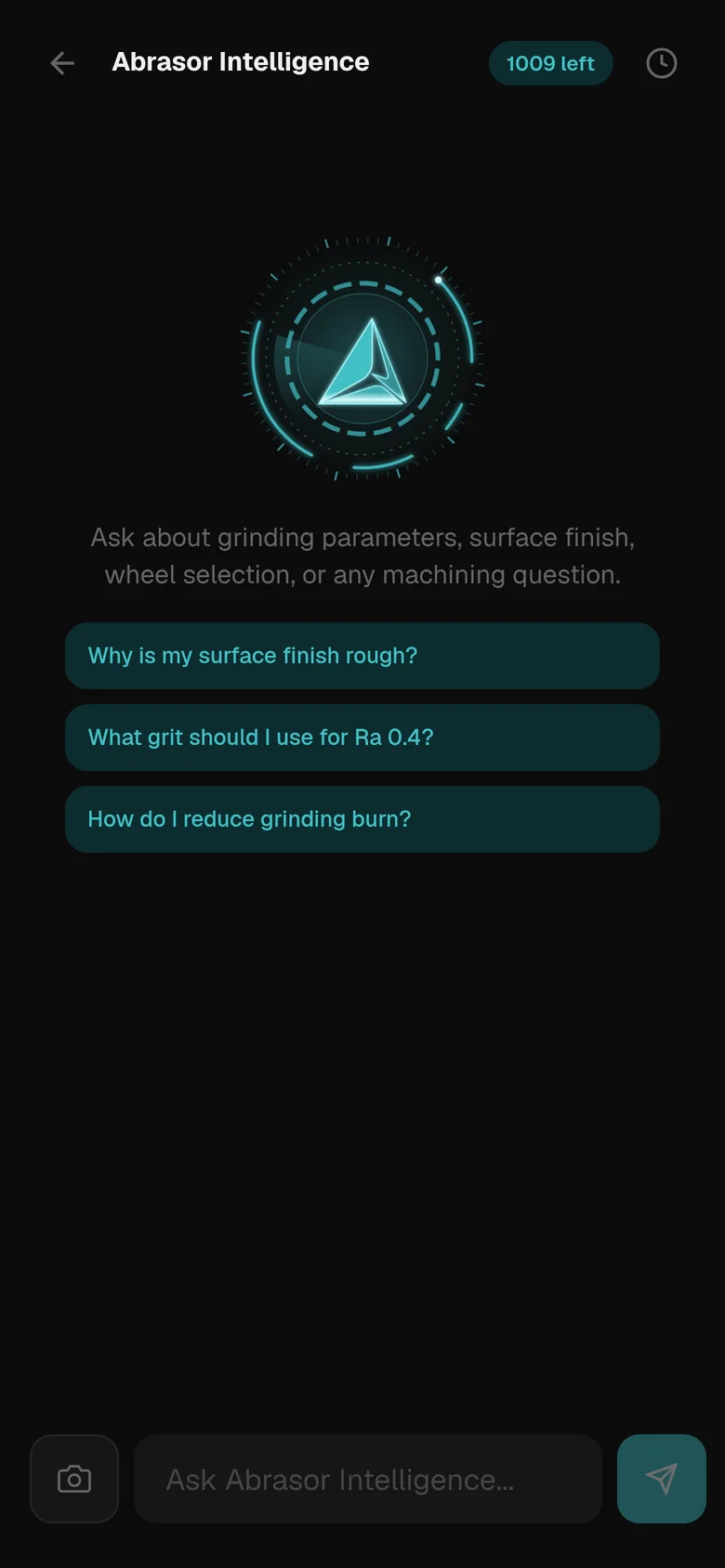
Abrasor Intelligence on a phone: the glowing core symbol and three suggested questions about surface finish, grit and grinding burn

Ask in your own words.

Grinding parameters, surface finish, wheel selection or any machining question. Add a photo when the part says it better.

Why is my surface finish rough?

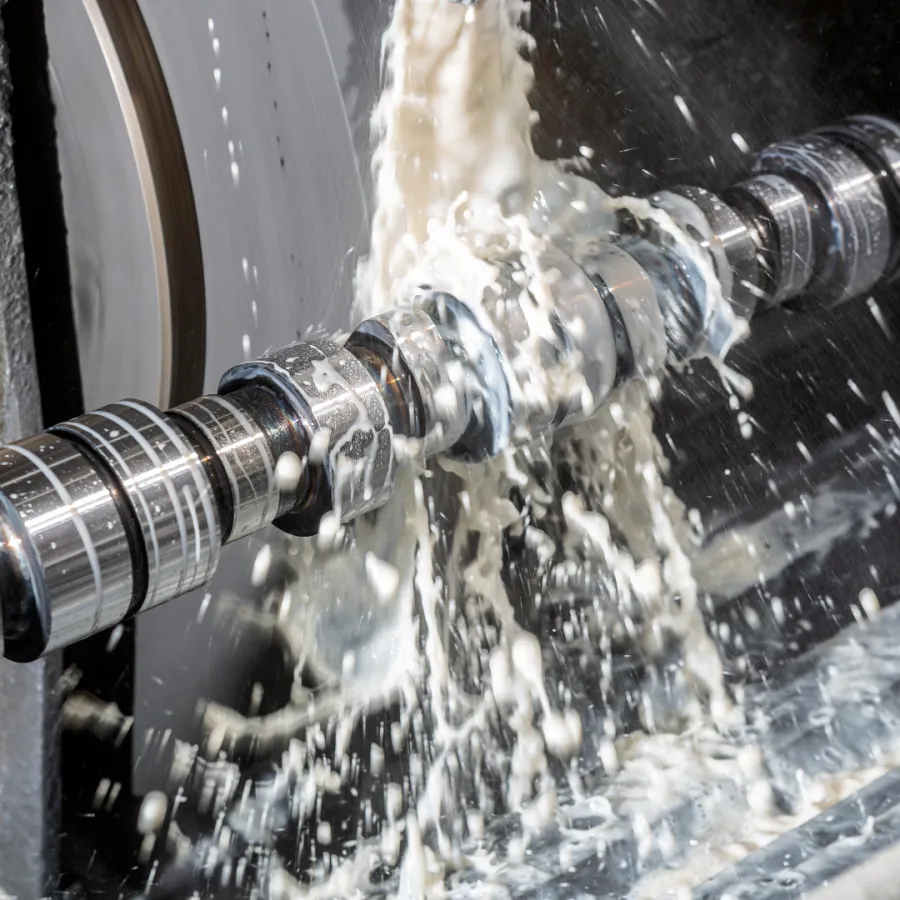
A photo of a surface grinding job, attached to a question
Photo attached

What grit should I use for Ra 0.4?

How do I reduce grinding burn?

  • Attach a photoShow the part or the wheel with your question.
  • Send a calculationFrom any calculator, with one tap.
  • Ask about a setupQuestion a setup sheet from Workshop.
  • Beyond grindingAny machining question is fair game.

Verified answers first. AI for the rest.

A knowledge engine answers from verified grinding entries. Questions it cannot answer confidently go to the AI model.

879verified entries that answer instantly, without using an AI query.
You askType the question, or add a photo.
Knowledge engineChecks 879 verified entries and answers at once when it is confident.No AI query used
AI modelTakes the questions the engine cannot answer confidently.
Every nightThe day's answers are reviewed, and the engine learns from them.
Change Vw to 18000 mm/minMission from Abrasor Intelligence

Outcome

WorkedPartly workedDid not work

Advice becomes missions.

Suggestions turn into missions, like changing Vw to 18000 mm/min. Mark each one done or skipped, then record what happened.

  • Done or skippedClear missions as you work through them.
  • Outcome on recordWorked, partly worked or did not work.
  • Current against optimisedA chart sets current performance against the optimised target.
  • Grouped in projectsKeep the missions for one job together.

AI queries, by plan.

Every plan comes with AI queries each month. Answers from the knowledge engine do not use them.

Free

$0
3AI queries a month
Open app

Premium

$4.99 a month, or $49.90 a year
50AI queries a month
Choose Premium

Enterprise

$29.99 a month, or $299.99 a year
500AI queries a month
Choose Enterprise

Creating a setup sheet in Workshop uses 1 AI query.Compare every plan

Free resources

Two public guides, free to read.

Look up a symptom or a grit size without using an AI query.

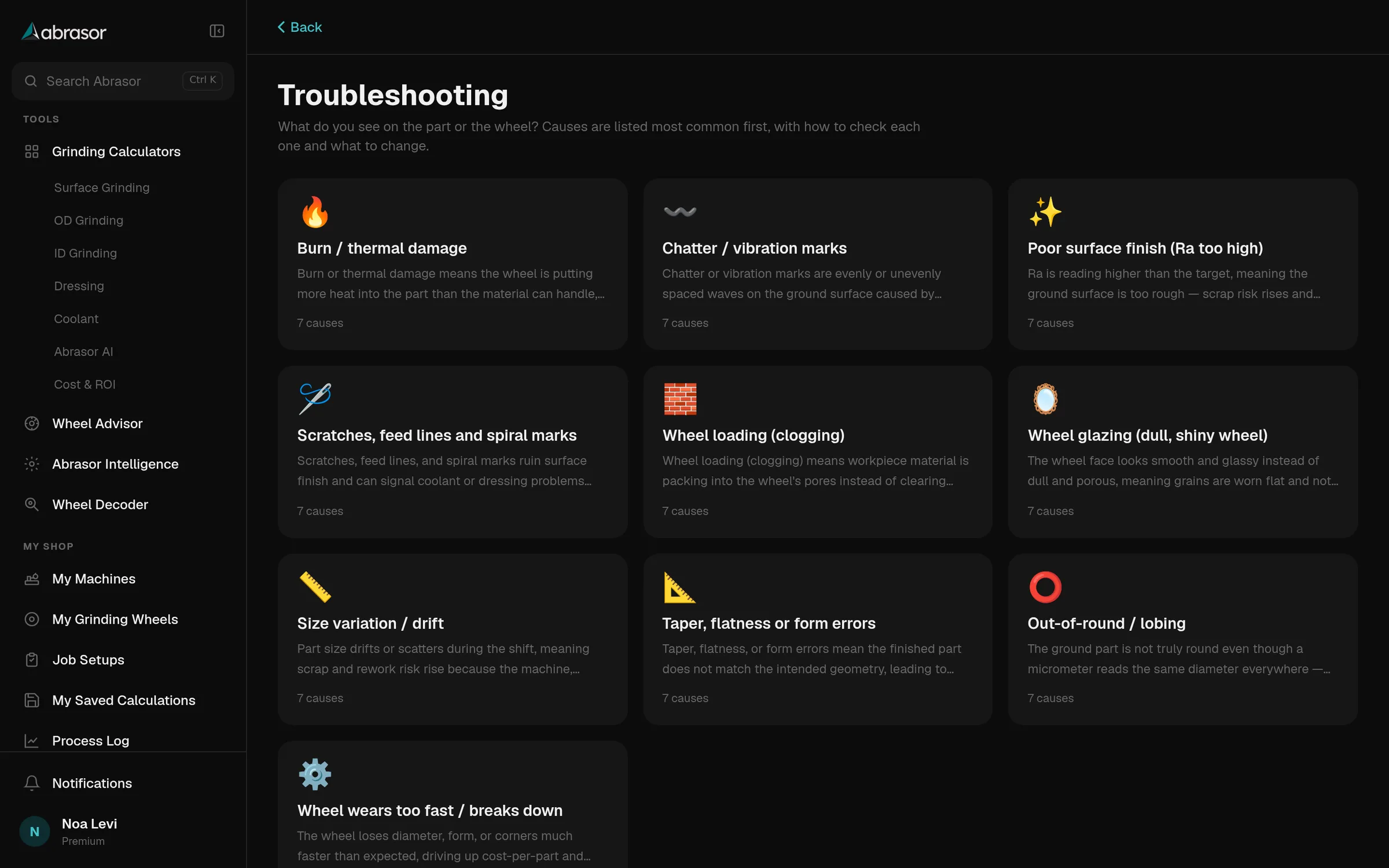
The troubleshooting guide on a desktop: ten symptom tiles, from burn and chatter to a wheel that wears too fast

Troubleshooting guide

10 symptoms. Causes are listed most common first, with how to check each one.

  • Burn or thermal damage
  • Chatter or vibration marks
  • Poor surface finish
  • Scratches and feed lines
  • Wheel loading
  • Wheel glazing
  • Size variation
  • Taper or form errors
  • Out-of-round or lobing
  • Wheel wears too fast
Open the troubleshooting guide
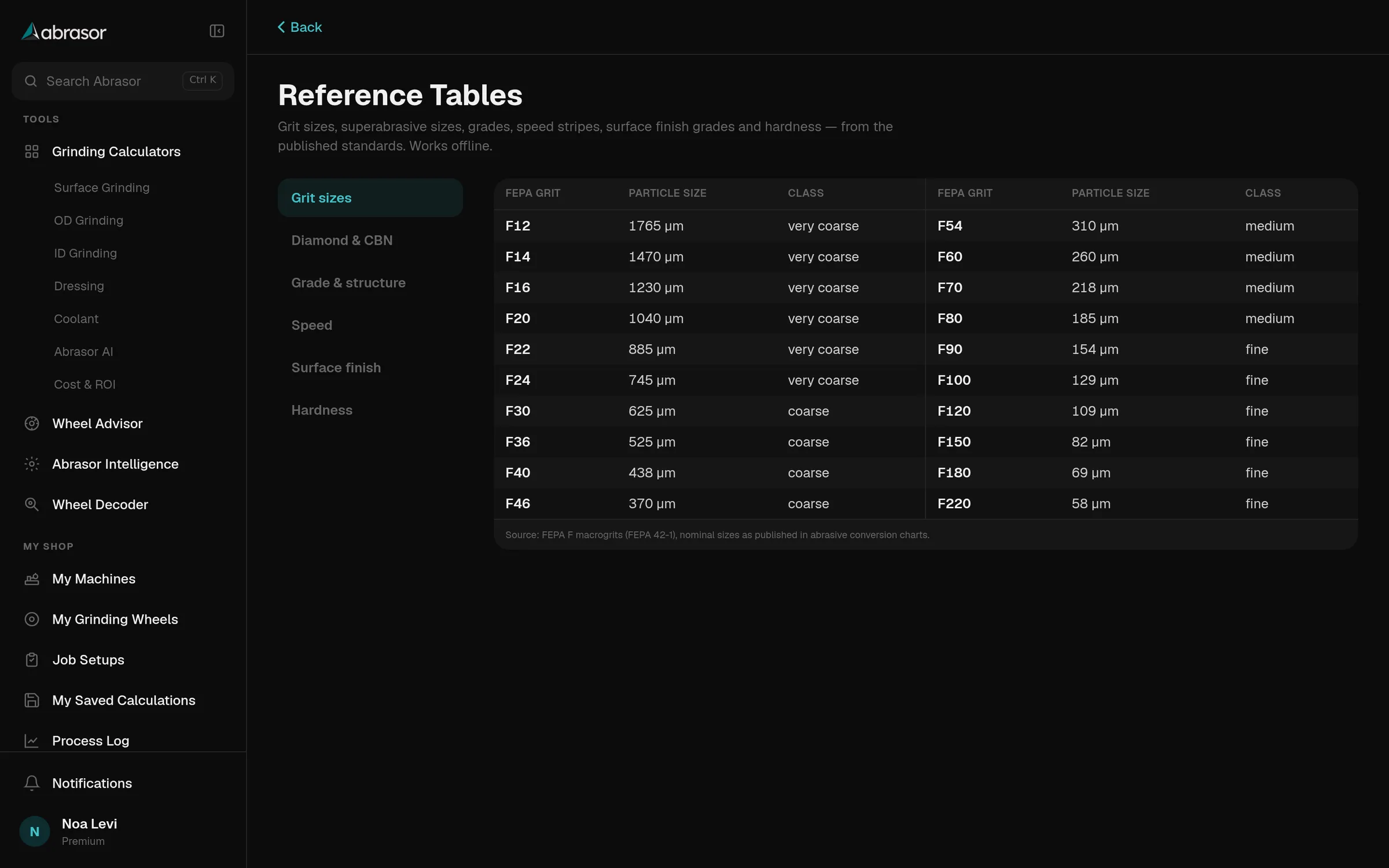
The reference tables on a desktop, showing FEPA grit sizes with particle size and class

Reference tables

Six tables from the published standards. They work offline.

  • Grit sizes
  • Diamond and CBN
  • Grade and structure
  • Speed
  • Surface finish
  • Hardness
Open the reference tables

Ask before the next run.

Open app